
Glassy
Adjustable window transparency for VS Code on macOS. Keep your editor readable while your wallpaper subtly comes through.



Preview
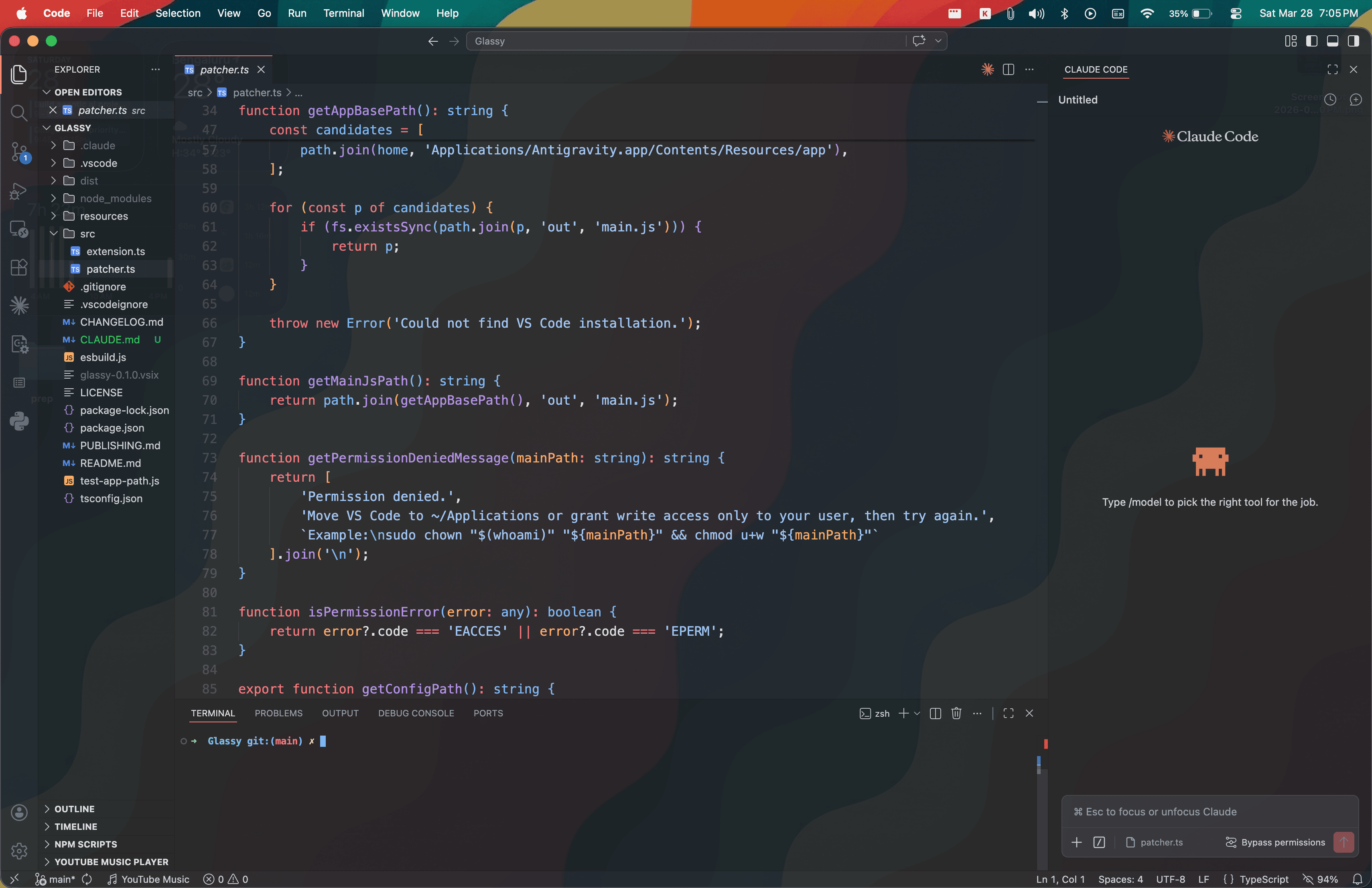
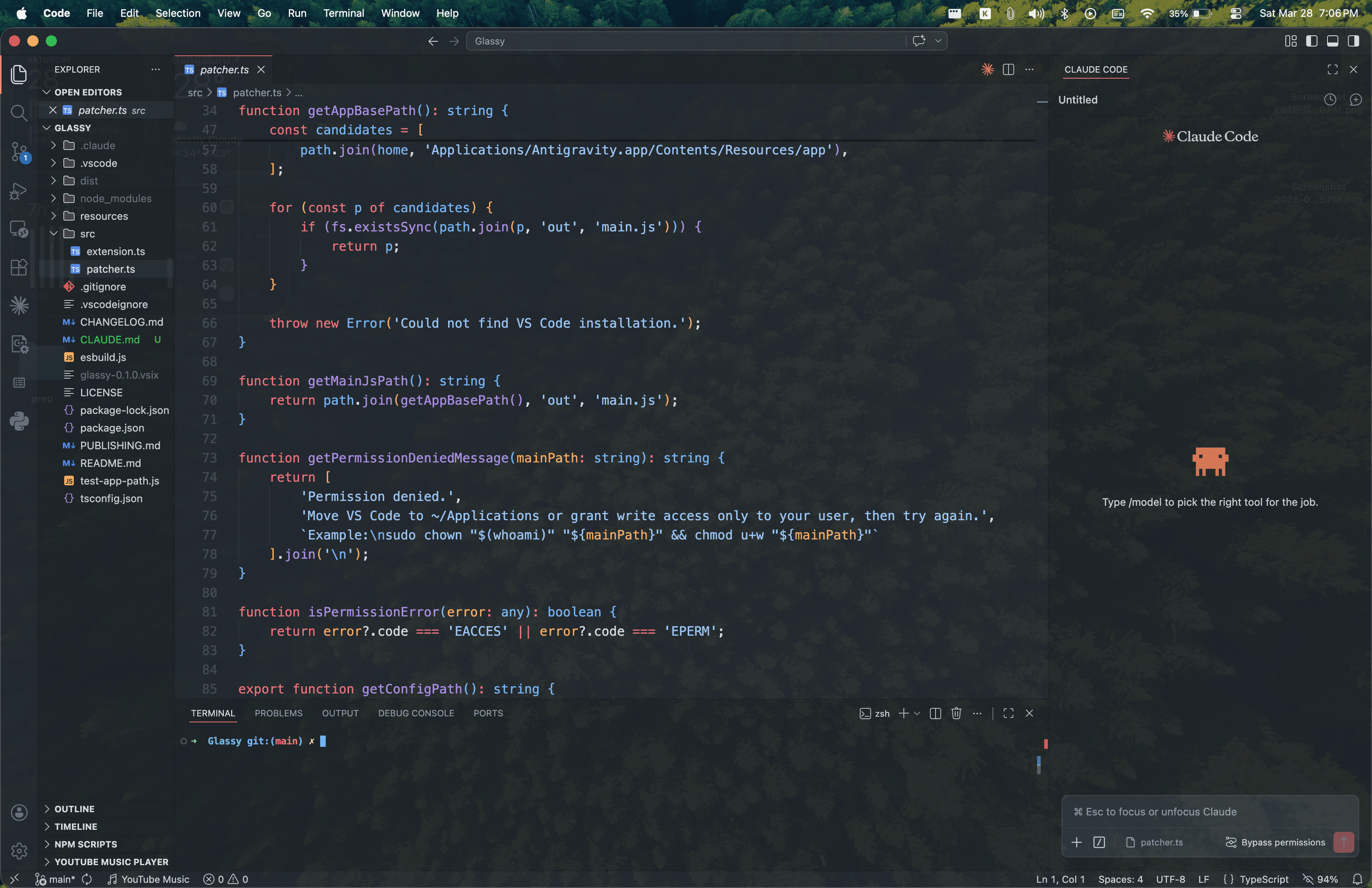
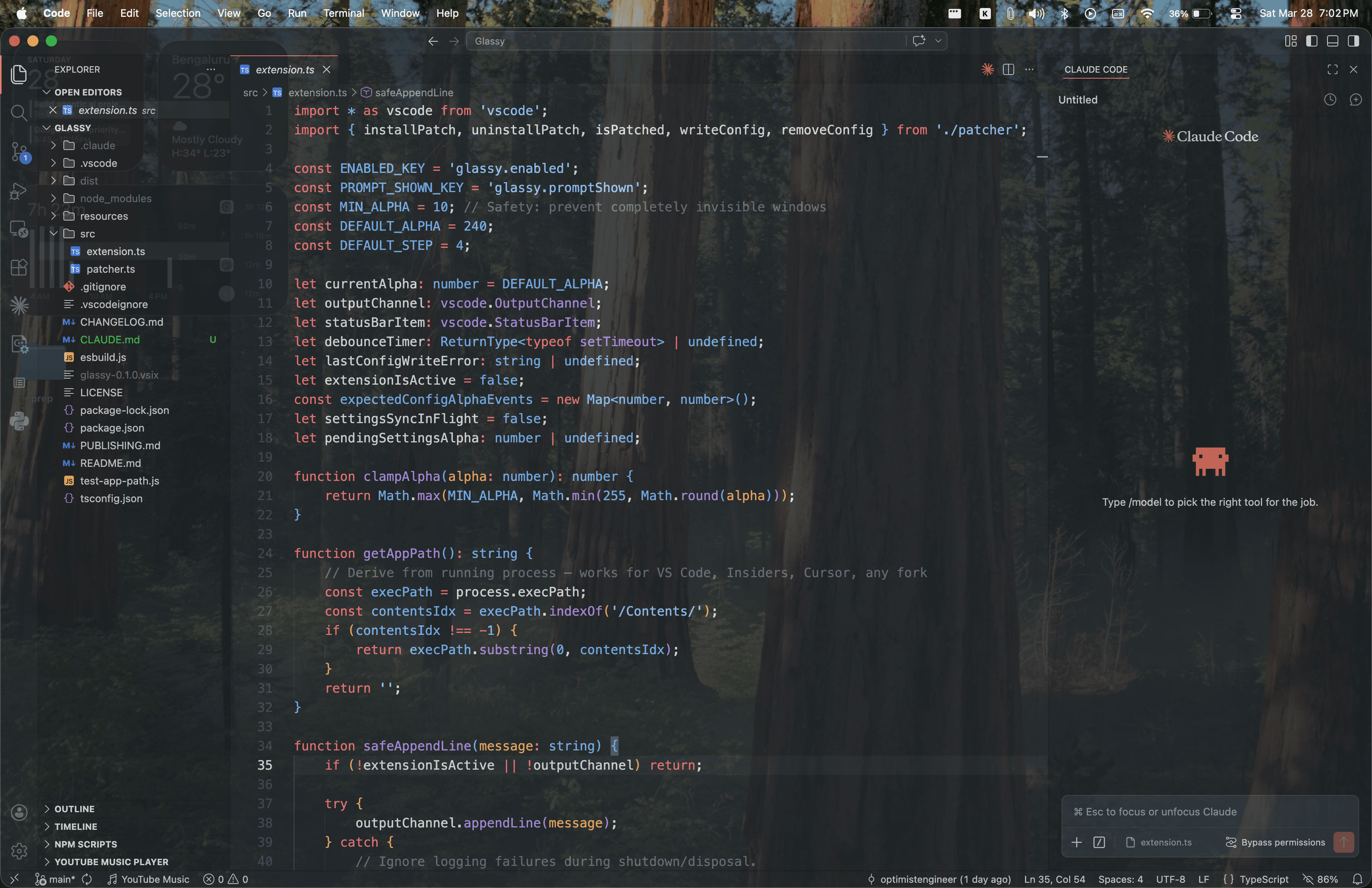
Features
01
Adjust opacity without leaving your editor
Three keyboard shortcuts let you increase, decrease, or reset window transparency instantly. No menus, no dialogs.
02
Dial in exactly the right level
Set your preferred opacity and step size in VS Code Settings. Go from a subtle hint of your wallpaper to full see-through.
03
Survives most VS Code updates
Glassy detects when the editor updates and re-applies the transparency patch automatically. One less thing to think about.
04
Works across six editors
VS Code, Insiders, Cursor, VSCodium, Windsurf, and Antigravity. Glassy finds the running app automatically.
Setup
- Open the Command Palette (Cmd + Shift + P)
- Run "Glassy: Enable Transparency"
- Confirm the prompt
- Restart VS Code when prompted, or Quit (Cmd + Q) and reopen
Keyboard Shortcuts
| Shortcut | Command |
|---|---|
| Cmd + Option + Z | Increase opacity (less transparent) |
| Cmd + Option + C | Decrease opacity (more transparent) |
| Cmd + Option + X | Reset to fully opaque |
Settings
glassy.alpha
Opacity level (10 = very transparent, 255 = fully opaque). Default: 240
glassy.step
Step size per keypress. Default: 4